Find lost Bluetooth earbuds
Check detectability, narrow the search area and search one room at a time.
Devices & Bluetooth · Free · Optional Premium
Lost your Bluetooth earbuds?
Follow the signal as you search.
Search for nearby devices broadcasting a detectable Bluetooth signal. Watch signal strength as you move, save your devices and check their recorded history.
Android 8.0 and up · Contains ads and in-app purchases
Nearby search for compatible, powered-on devices. No GPS map or exact distance.
Scan nearby Bluetooth Low Energy signals and view their strength in dBm. Changes in the reading can help you decide where to search next.
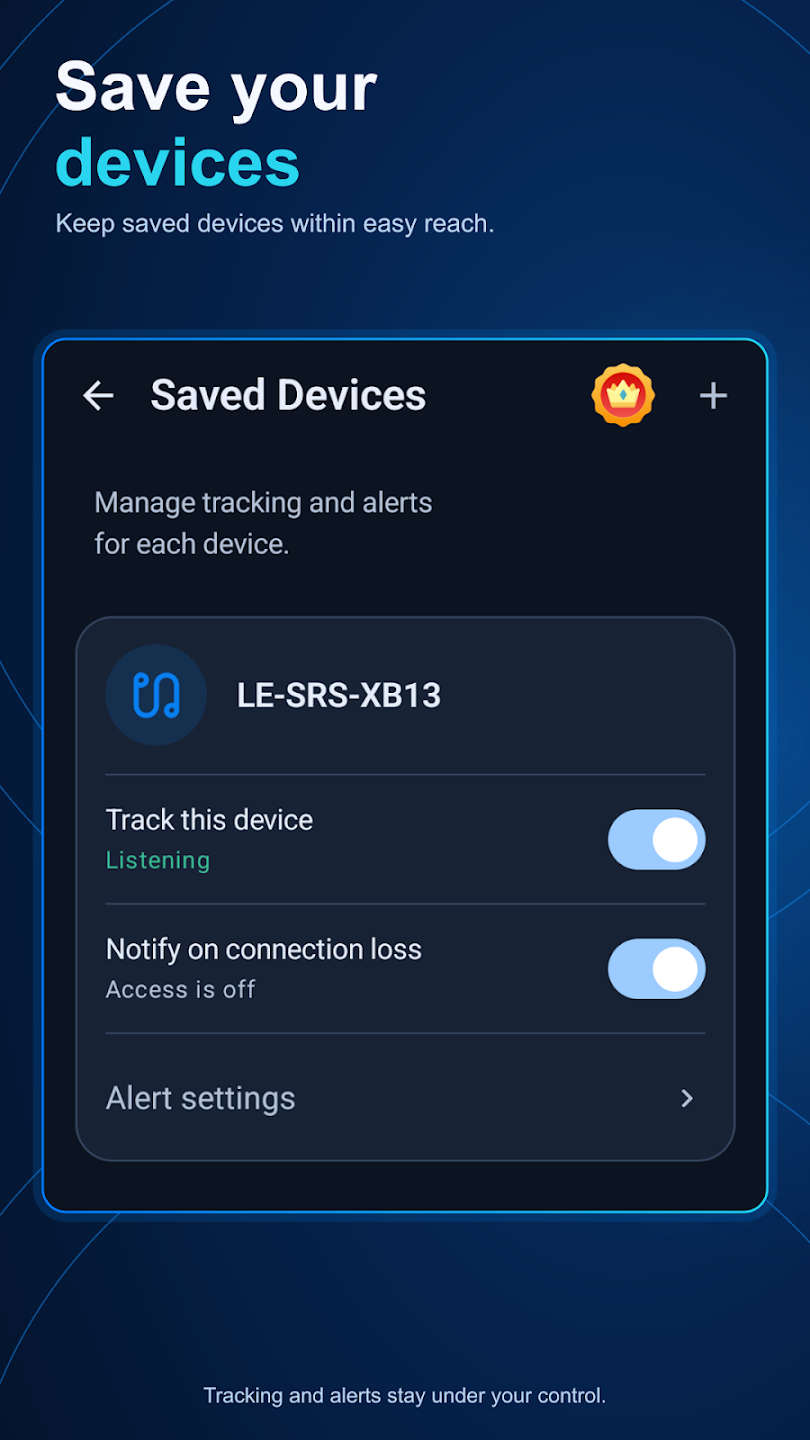
Save a device and personalise it with a name, colour or photo. You can also choose a connected audio device to save.
Check last-seen times and local history, or mark a saved device as found. Optional tracking records connection events for an audio device you explicitly choose.
Previews from the published Google Play listing. The interface can vary with app version, theme and device.
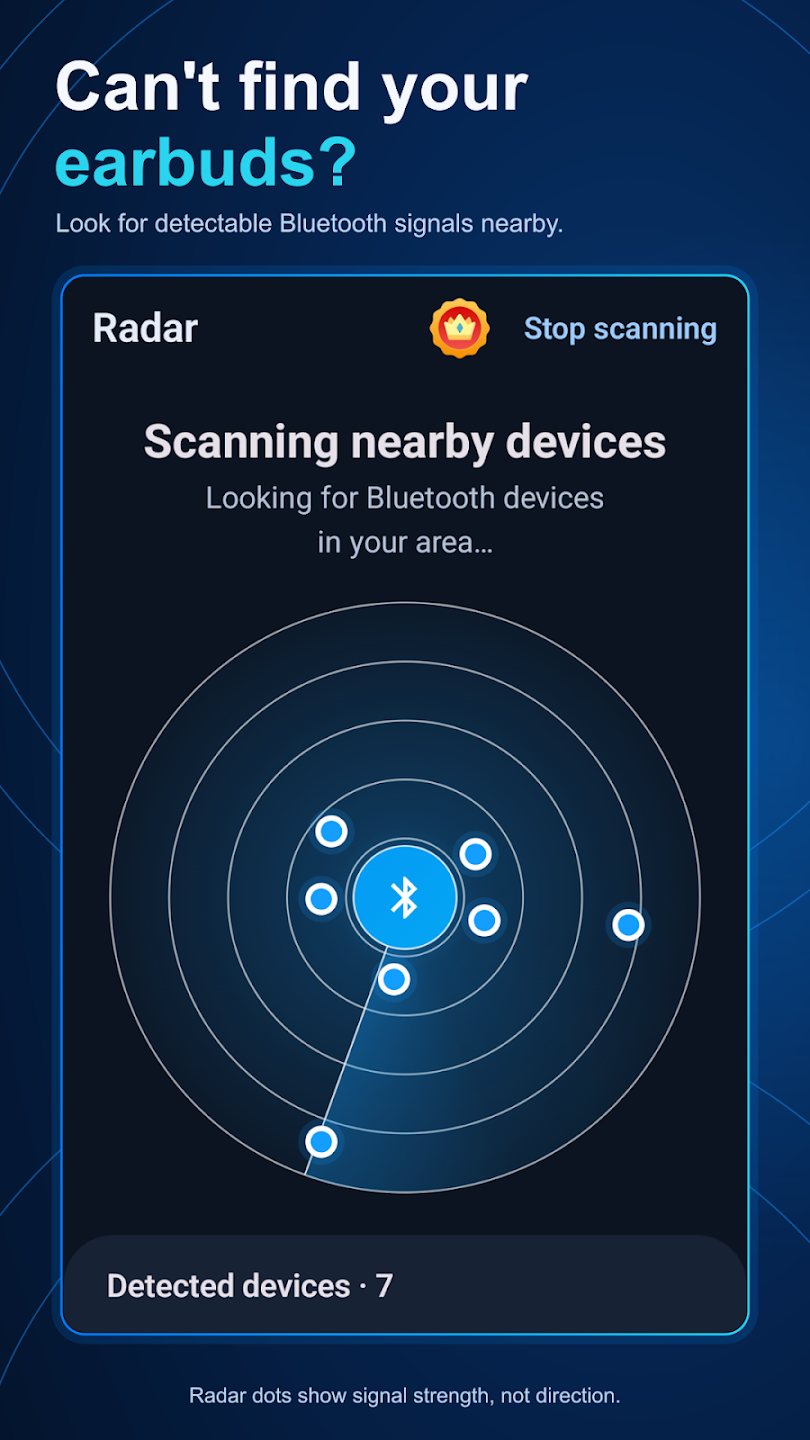
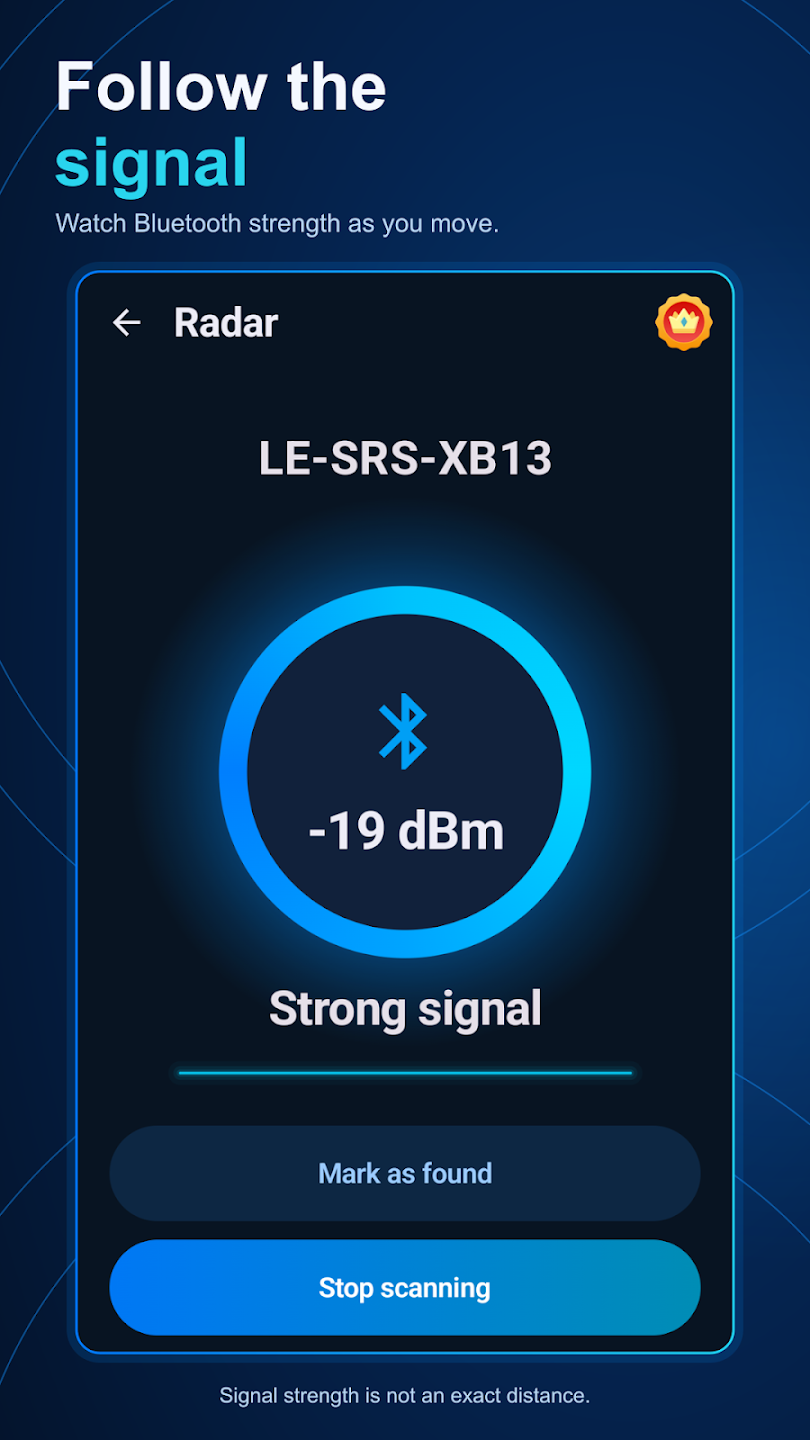
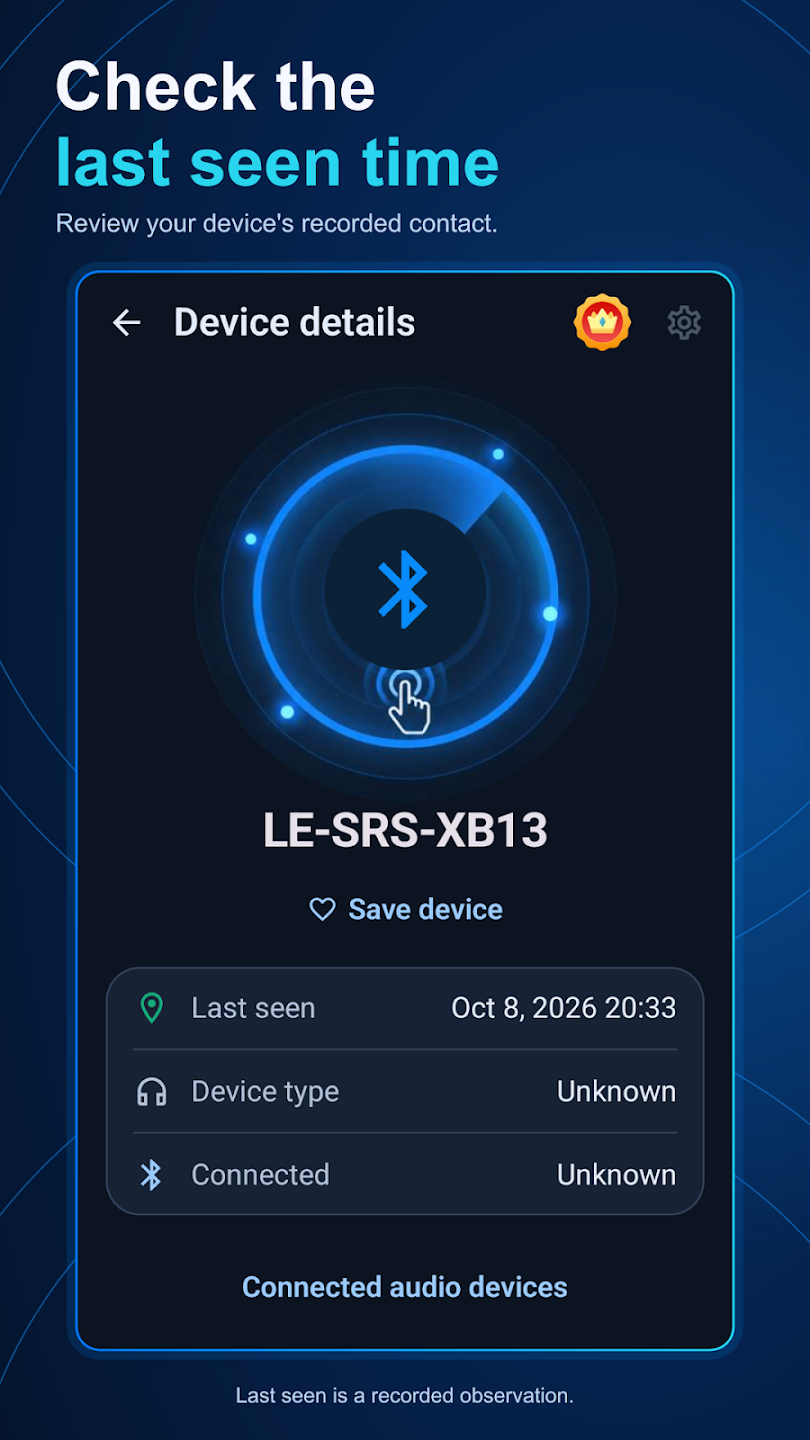
Allow the access requested by Android. Your device must be powered on and broadcasting a detectable signal.
Open Radar, start scanning and choose a detected device to see its signal reading.
Watch for changes as you search. When you find the device, mark it as found and save it for later.
Bluetooth readings vary with walls, interference and device state. Radar does not give an exact distance or direction, and cannot guarantee recovery.
Use the app with ads, or choose an optional Google Play purchase to remove covered ads. Current offers and prices appear inside the app and on Google Play.
Purchase and restore helpCheck detectability, narrow the search area and search one room at a time.
Understand nearby search, last-seen times and model-specific alternatives.
Use trends in dBm to decide where to search next.
No. A device must emit a detectable Bluetooth signal. Sleeping, enclosed, out-of-range or unsupported devices may not appear.
No. Last-seen information records a Bluetooth observation time. The current finding and tracking features do not record GPS coordinates or show a device on a map.
Detection depends on the model, its current state and the access Android provides. Earbuds inside a closed case may stop broadcasting. A Bluetooth connection alone does not guarantee a detectable Radar signal.
You can explicitly select a connected audio device to save and optionally record connection history. Connection information does not supply a Radar signal, distance or location.
Yes, when the selected connected audio device is your phone’s current media output. On Android 16 or later, Play Sound can play a short locator tone after the app verifies the audio route. It cannot ring a disconnected or powered-off device.
Playback lasts up to five seconds and can be stopped. Availability depends on Android and your device; battery readings remain unavailable.
Download Earbud Finder: Bluetooth Radar on Google Play. It requires Android 8.0 or later; the store shows compatibility and availability for your device and region.
Scan for a detectable signal, select your device and compare readings as you move.
Get Earbud Finder on Google PlayFind setup guidance, purchase help and the documents for this app, or contact aizensoftapps@gmail.com.