Bluetooth finding guide
Can You Find Lost Earbuds Without GPS?
Choose the right finding method
By Alexander Aizendorf · Updated October 13, 2026
Yes, but the method matters
You do not need GPS inside an earbud to search for its nearby Bluetooth signal. A compatible scanner can help you compare readings while you search. The earbud still needs to be powered on and emit a signal the phone can detect.
A map, a nearby signal reading and a recorded last-seen time answer different questions. Knowing which one you have prevents a lot of wasted searching.
Earbud Finder focuses on nearby Bluetooth detection and locally recorded device history. It does not add GPS to headphones and does not turn every Bluetooth accessory into a device on a crowdsourced finding network.
For compatible devices that are powered on and broadcasting a detectable signal. Free download with ads and optional purchases.
On this page
Compare the information you have
| Method | Useful information | Main limit |
|---|---|---|
| Nearby Bluetooth scan | A detectable signal now, with readings to compare as you move. | Requires a compatible device that is transmitting within detectable range. |
| Active audio connection | The phone can currently communicate with that audio device. | It does not give an exact distance or guarantee a Radar result. |
| Recorded last-seen time | When the app last observed a device or recorded a supported event. | A time is not a current location or a GPS coordinate. |
| Supported finding service | Model-dependent location, sound or nearby-finding features. | Compatibility and setup depend on the accessory and service. |
Check your model’s official documentation. Google’s Find Hub setup guidance explains the requirements for supported Android devices and accessories; a generic Bluetooth connection does not establish compatibility.
When you think the earbuds are at home
Start with the simplest evidence. Check whether the phone connects to the earbuds and whether your manufacturer app offers a supported locator sound. If a scanner detects the device, use the signal trend to compare one room or hiding place with another.
- Turn on Bluetooth and stay in the last known room.
- In Earbud Finder, open Radar, start scanning and select a device you recognize.
- Move slowly, pause and compare several readings from each spot.
- Check the area with the more consistently strong signal, then confirm by finding the physical device.
This method can be useful for a compatible device under a cushion or in a bag. It does not show a street address or an exact position. Our step-by-step earbud search guide covers the full process.
What “last seen” really means
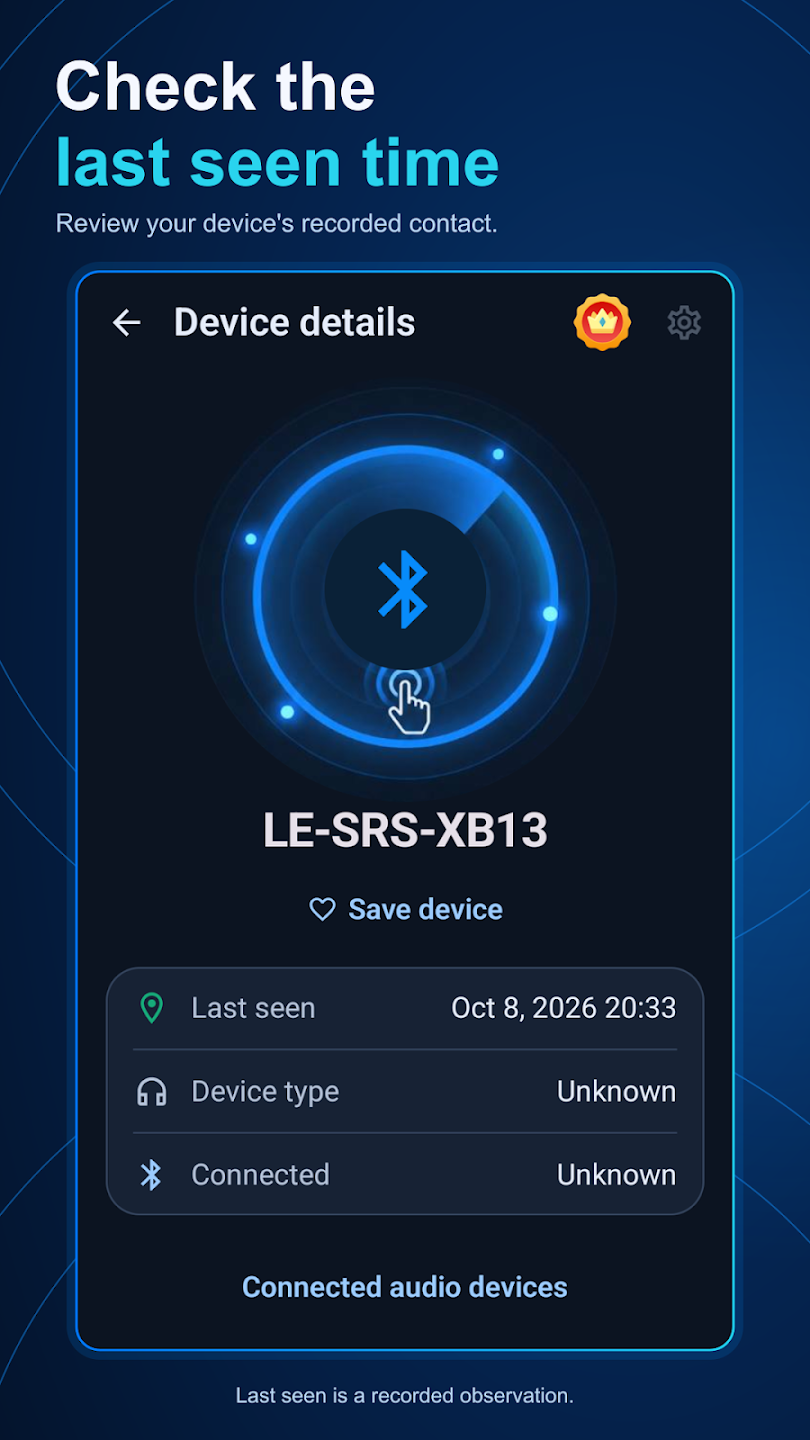
A last-seen timestamp can help reconstruct your routine: for example, whether your saved device was observed before or after you left home. In Earbud Finder, this history is stored locally and depends on the events the app actually recorded.
A timestamp does not establish that the device is still in that place. A recorded connection event also does not prove that a Radar signal was measured at the same time. Optional tracking must be explicitly enabled for a selected supported audio device; it cannot recreate an event that was never recorded.
If the earbuds are dead, asleep or inside a case
A device that is not transmitting cannot be detected by a nearby scanner. Some models stop advertising when placed in a closed case; others have model-specific case or finding features. Check the exact model rather than assuming that every case behaves the same way.
If your supported finding service already has useful information, review it. Otherwise, retrace your movements, check the case and charging area, and contact the last place you visited if that fits the situation. Installing more scanning apps will not create a missing radio signal.
When a device is detectable, the next useful skill is understanding how to compare signal-strength readings. When no signal exists, physical searching and any previously configured finding service become the relevant options.
Try a nearby Bluetooth search.
Earbud Finder is free to download, with ads and optional purchases. Compatible devices must be powered on and broadcasting a detectable signal.
Get Earbud Finder on Google PlayRelated guides
Sources and further help
- Android’s Bluetooth scan signal-strength definition
- Bluetooth SIG: factors that affect Bluetooth range
- Google: prepare supported devices and accessories for Find Hub
- Earbud Finder setup and support
Reviewed October 13, 2026. Device behavior and available finding features vary by model, Android version and setup.